How to watch a race on the LapRadar 3D map
A live track map, gaps, tyres and the championship in real time, all on one screen. Free, no sign-up. Here's a quick guide.
A second screen for race day
LapRadar is built as a second screen for race day. The broadcast does its thing, and alongside it you can see where every driver is on track, who is closing in, which tyres the leaders are on and how the championship shifts after every pass.
The live 3D map
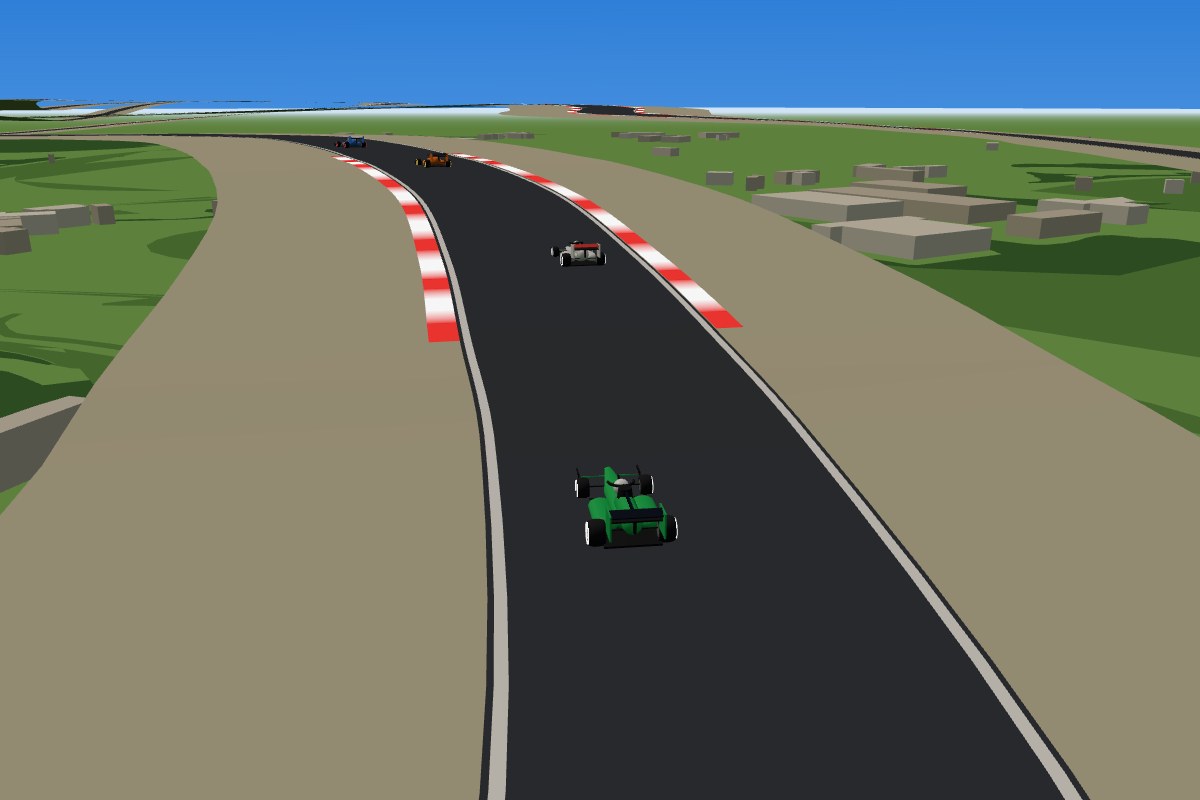
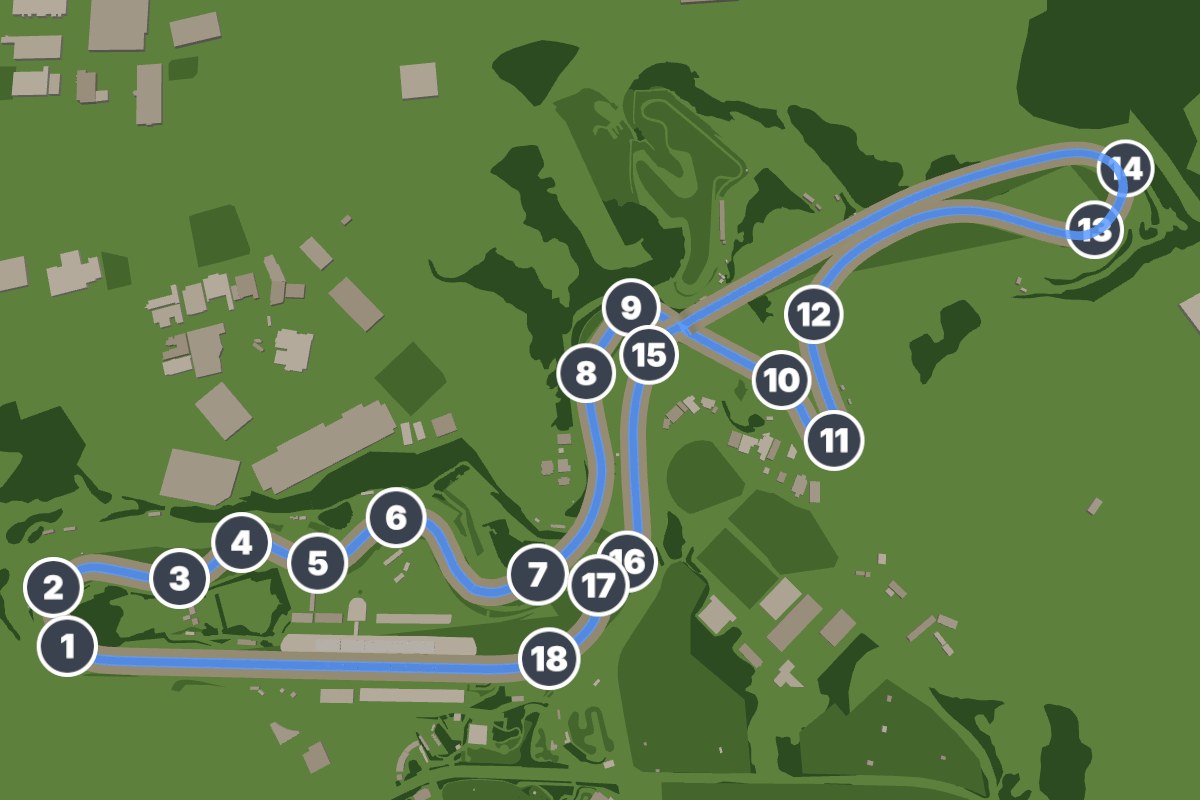
Open the Live section. During a race the map shows the cars on the real circuit, complete with terrain, buildings and the pit lane. You can rotate and zoom, switch to a top-down view and turn on labels for corners and landmarks. Tap a driver in the table and their car lights up on the map.
The timing table
Positions, gap to the leader, interval to the car ahead, tyre compound and how many laps the tyres have done. Next to each driver you'll see the points they'd score if they finished where they are now.
Live championship
The live championship tab recalculates the standings as the race goes on, so you can see who's climbing, who's dropping and when the title is settled mathematically. The forecast tab gives win and podium chances.
Missed the race?
Pick a year, a Grand Prix and a session, and the replay runs on the same data you'd have seen live. Replays go back to 2023, and you can speed them up.
F2, MotoGP, NASCAR and more
The series switcher in the header opens calendars, results and standings for F2, F3, Formula E, MotoGP, Moto2, Moto3 and NASCAR. The Explainers section has short guides to strategy, tyres and the rules.